


Description
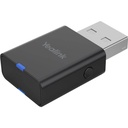
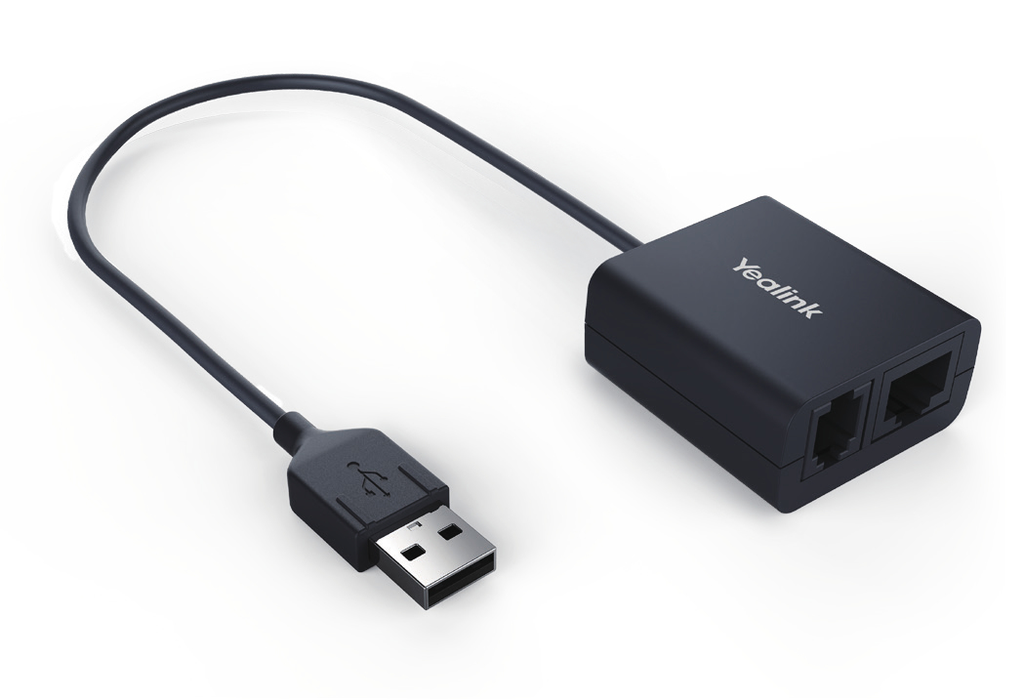
The EHS40 is the technical interface between a Yealink IP phone and a wireless headset from another manufacturer: it is approved for Jabra, Plantronics and Sennheiser wireless models. It plugs into the USB port of the phone and offers, on the headset side, an RJ9 (4P4C) connector and an RJ45 (8P8C) connector depending on the cable of the headset base. Once connected, the user answers and hangs up remotely from the headset, without going back to the phone. Installation is immediate, with no settings, on phones running firmware 83 or later.
Specifications
| Reference | EHS40 |
|---|---|
| Brand | Yealink |
| Manufacturer order code | EHS40 |
| Type | EHS adapter |
| EAN code | 6938818304130 |
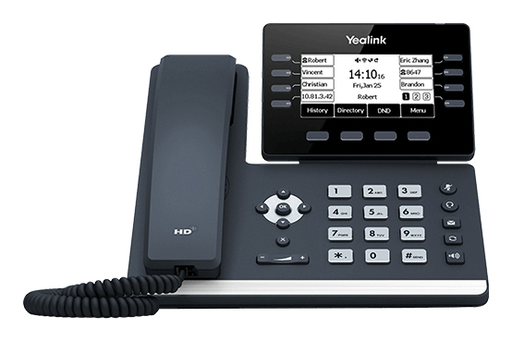
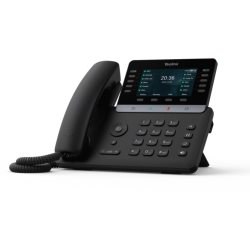
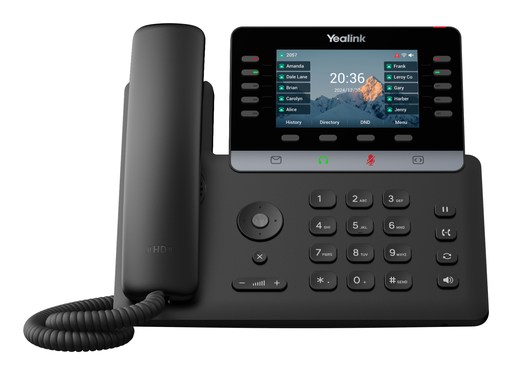
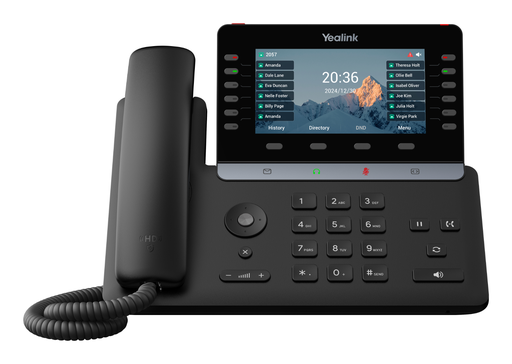
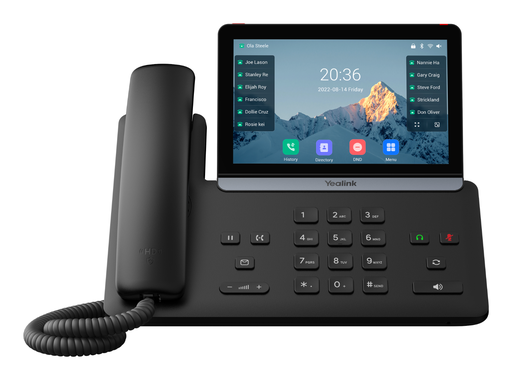
| Compatible phones | T41S, T42S, T46S, T48S, T44W, T53, T53W, T54W, T57W, T58A, T58W, T73U, T73W, T74U, T74W, T74 LTE, T85W, T87W |
| Minimum firmware | Version 83 |
| Compatible headsets | Jabra, Plantronics, Sennheiser wireless models |
| Connectors | 1 x USB 2.0 Type-A, 1 x RJ9 (4P4C), 1 x RJ45 (8P8C) |
| Functions | Remote answer and hang up |
| Installation | Plug and play, no configuration |
| Contents | 1 adapter |
| Package dimensions | 141 x 102 x 46 mm |
| Packed weight | 0.169 kg |
Use and tips
The EHS40 is meant for desks that pair a Yealink T4x, T5x, T7x, T85W or T87W phone with a Jabra, Plantronics or Sennheiser DECT or Bluetooth headset: reception, switchboard, call center, customer service, management. It lets you answer and hang up from the headset, away from the desk, while keeping the phone as the main device. Check your phone model and firmware version (83 or later) before ordering, as well as the cable type of your headset base (RJ9 or RJ45). For T3x phones with a Yealink WH62 or WH63 headset, choose the EHS35.
Frequently asked questions
Is this adapter compatible with my phone and headset?
It works with the Yealink T41S, T42S, T46S, T48S, T44W, T53, T53W, T54W, T57W, T58A, T58W, T73U, T73W, T74U, T74W, T74 LTE, T85W and T87W (firmware 83 or later) and Jabra, Plantronics and Sennheiser wireless headsets. For another phone or headset, tell us through our contact page and we confirm compatibility.
How is it connected?
To the USB port of the phone on one side, and to the headset base on the other using the RJ9 or RJ45 connector depending on the cable supplied by the headset manufacturer. No setting is needed on the phone.
What is the warranty?
Two-year statutory conformity warranty, plus the Yealink manufacturer warranty under its own terms.
Where are the firmware, manuals and guides?
Yealink provides the firmware, user manual and administrator guide of this module free of charge: our Yealink support page takes you straight to the documents for this model.
Product compatibility
Compatible devices
This accessory is offered for the devices below.



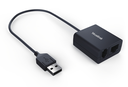
Yealink EHS40 EHS adapter
Availability to be confirmed
54.90 €
incl. VAT
54
Dakota Points
Create an account to earn these points and get €5 off from 500 points.
Create account
Sign in
