






Description
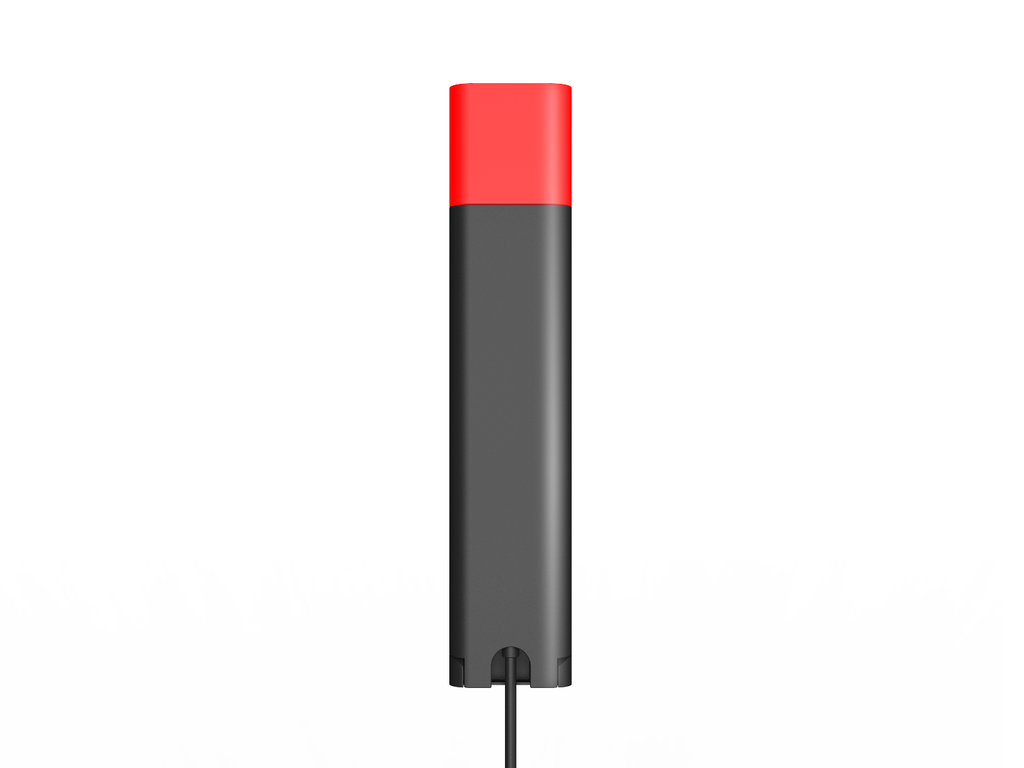
The BLT60 is an LED indicator light that plugs into the base of a Yealink WH6 series headset through a proprietary jack plug and shows in colour the presence state of your desk phone or softphone. Red, you are on the line and colleagues wait; flashing red, a call is coming in, even when you are a few steps from the desk without a ring. Its 1.8-meter cable lets you place it where it is best seen, on the corner of the desk or on the monitor, and its light guide comes in a star, heart or square shape. A small black accessory of a few grams that prevents many interruptions in an open-plan office.
Specifications
| Reference | BLT60 |
|---|---|
| Brand | Yealink |
| Manufacturer order code | 1300077 |
| Type | Busylight |
| EAN code | 6938818306974 |
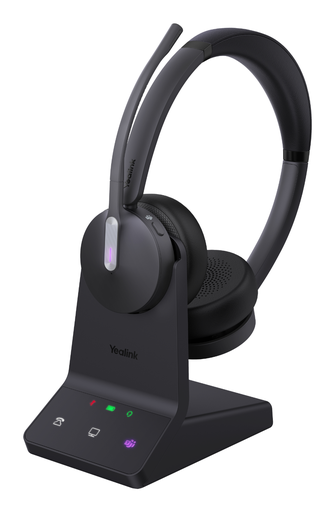
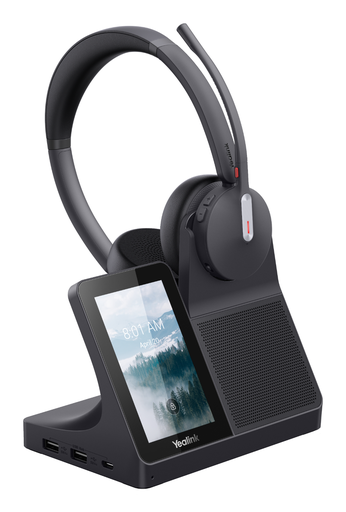
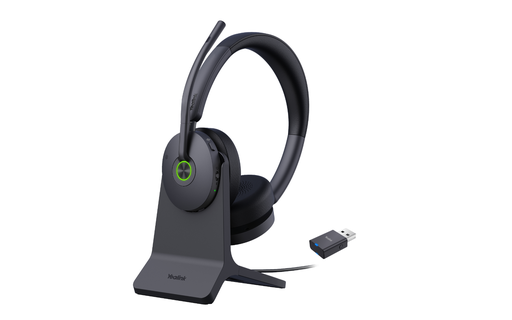
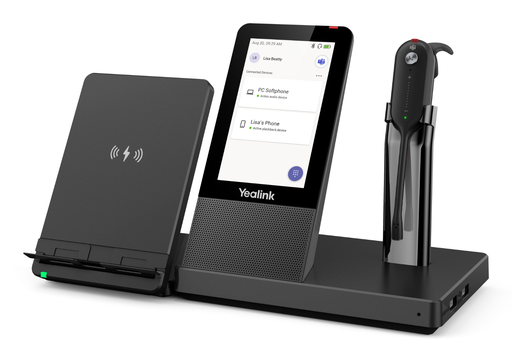
| Compatibility | WH62, WH63, WH64, WH66, WH67, WH68 |
| Interface | Proprietary jack plug |
| Cable length | 1.8 m |
| Lighting | LED, 1 bulb |
| Light guide | Star, heart or square |
| Signalling | Colour synchronised with the phone or softphone; red in a call, flashing red on an incoming call |
| Colour | Black |
| Package dimensions | 47 x 23 x 133 mm |
| Packed weight | 0.05 |
Use and tips
The BLT60 is meant for staff using a Yealink WH62, WH63, WH64, WH66, WH67 or WH68 headset in an open-plan office, a call center or a shared office: the light tells passing colleagues that you are on the line and warns you of an incoming call even with the headset down and the ringer off. It plugs directly into the headset base, with no additional software. Place it high up, on the monitor or at the edge of the desk, so it is visible from the aisle. Check your headset series before ordering: the BLT60 is reserved for Yealink WH6x headsets.
Frequently asked questions
Is this busylight compatible with my headset?
It is intended for the Yealink WH62, WH63, WH64, WH66, WH67 and WH68 headsets, whose base has the proprietary jack socket. For another Yealink headset or phone, tell us through our contact page.
What do the light colours mean?
The light mirrors the presence state of your desk phone or softphone. Steady red means you are in a call; flashing red signals an incoming call, even without a ring.
What is the warranty?
Two-year statutory conformity warranty, plus the Yealink manufacturer warranty under its own terms.
Where are the firmware, manuals and guides?
Yealink provides the firmware, user manual and administrator guide of this module free of charge: our Yealink support page takes you straight to the documents for this model.
Product compatibility
Compatible devices
This accessory is offered for the devices below.



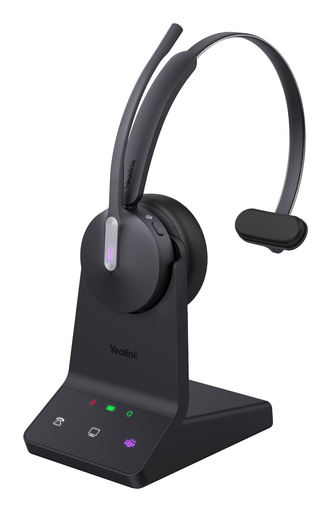
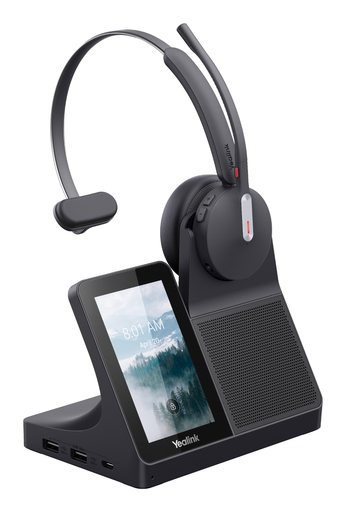
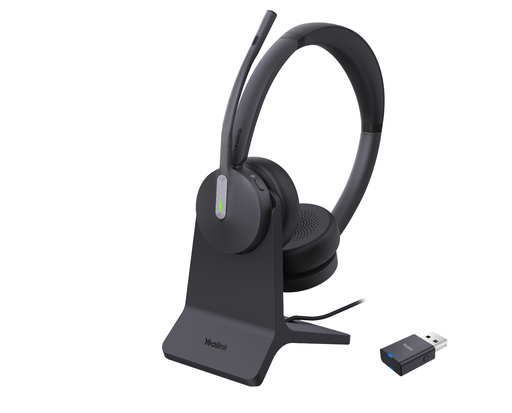

Yealink BLT60 busylight
Availability to be confirmed
23.90 €
incl. VAT
23
Dakota Points
Create an account to earn these points and get €5 off from 500 points.
Create account
Sign in
