



Description
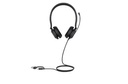
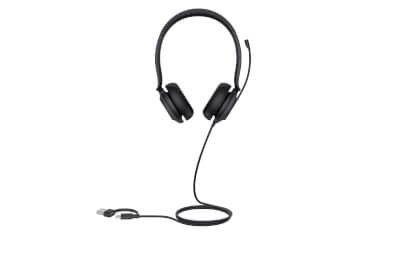
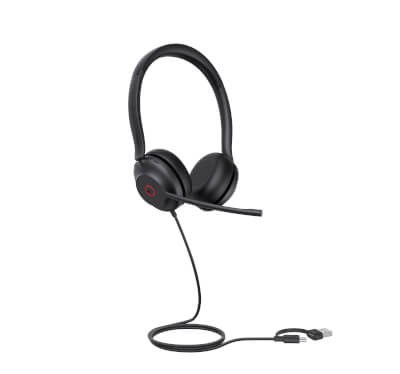
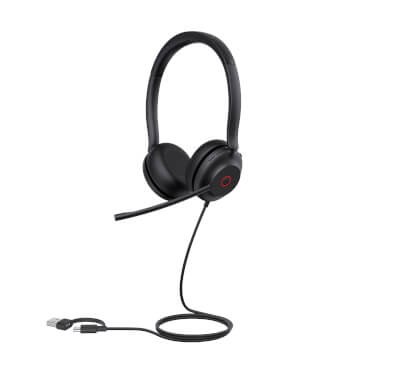
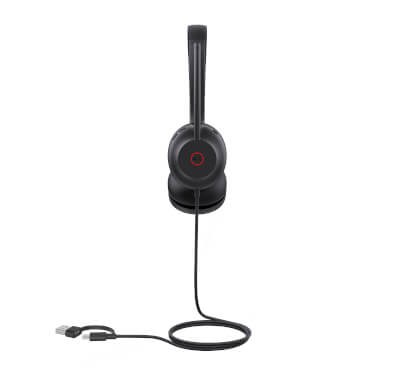
The Yealink UH35 Pro Dual Teams is a wired binaural headset with a USB connection, usable on a USB-A port as well as a USB-C port. It belongs to Yealink's UH35 Pro range and is offered here in its Microsoft Teams certified version, which remains compatible with the other unified communications platforms. Its two ear cups cover both ears, which isolates the user from surrounding sound during calls and remote meetings. The detailed characteristics of this reference (speakers, microphone, cable length, headset weight) have not been provided to us by the manufacturer: contact us if you need to check them before you order.
Specifications
| Reference | UH35 Pro Dual Teams |
|---|---|
| Brand | Yealink |
| Manufacturer order code | 1308163 |
| Type | USB wired headset |
| EAN code | 6938818320932 |
| Series | UH35 Pro |
| Wearing style | Binaural (two ear cups), headband |
| Connection | Wired USB |
| Cable | USB-A and USB-C connectors |
| Certification | Microsoft Teams |
| Compatibility | UC platforms, PCs |
| Packed weight | 0.25 kg |
Use and tips
The UH35 Pro Dual Teams targets staff who take their calls and meetings on a PC with Microsoft Teams or another UC platform: office, open space, home working. The two ear cups suit noisy environments and long video meetings. Plug it into the computer's USB-A or USB-C port, whichever it has. If you need to keep one ear free for colleagues, a monaural model such as the UH34 Mono Teams or the UH44 Mono Teams is better suited; for active noise cancellation, see the UH48 Dual Teams.
Frequently asked questions
Which devices is this headset compatible with?
With Windows and Mac PCs and their softphones or UC platforms (Microsoft Teams and others) through the USB port, and with IP phones that have a compatible USB port. Tell us about your phone or platform through our contact page and we confirm compatibility before you order.
How does it connect?
Over USB, on a USB-A port or a USB-C port: the reference is designed for both connector types, which covers desktop PCs as well as recent laptops.
What is the warranty?
Two-year statutory conformity warranty, plus the Yealink manufacturer warranty under its own terms.
Where are the firmware, manuals and guides?
Yealink provides the firmware, user manual and administrator guide of this phone free of charge: our Yealink support page takes you straight to the documents for this model.

