


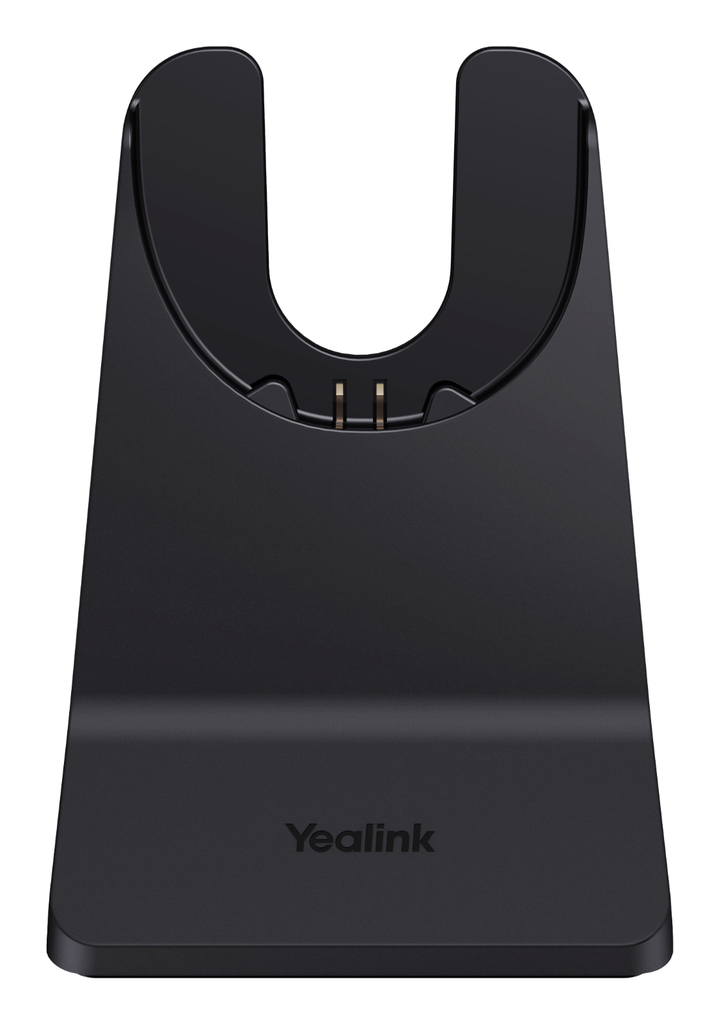
Description
This Yealink stand charges a BH74 Bluetooth headset, in Dual or Dual ANC version, or a WH68 DECT headset, including the Hybrid version, simply by resting it on top. The distributor describes it as a plain charging stand: it has no audio connection, neither Bluetooth nor DECT, and therefore does not replace the headset's base or dongle. It connects over USB A to a computer or a charger. It is the solution to keep the headset charged and tidy on a second desk, at home, or to replace a lost original stand. The reference contains the stand only.
Specifications
| Reference | 1308146 |
|---|---|
| Brand | Yealink |
| Manufacturer order code | 1308146 |
| Type | Charging stand |
| EAN code | 6938818320444 |
| Compatibility | BH74 Dual, BH74 Dual ANC, WH68, WH68 Hybrid |
| Connection | USB A |
| Function | Charging only (no Bluetooth, DECT or audio link) |
| Contents | 1 charging stand |
| Packed weight | 0.39 |
Use and tips
This stand is meant for users of Yealink BH74 or WH68 headsets who split their time between the office and home, for flexible-office companies wanting a charging point at every desk, and for IT teams replacing a lost or broken stand. It avoids carrying the original base or stand around and keeps the headset charged at the end of the day. Remember that it carries no audio: the WH68 DECT base or the BH74 Bluetooth dongle remains necessary to make calls. For the BH70 and WH64 headsets, choose reference 1308144.
Frequently asked questions
Is this stand compatible with my headset?
It is intended for the Yealink BH74 (Dual and Dual ANC) and WH68 headsets, including the Hybrid version. For another Yealink headset, tell us through our contact page and we point you to the right stand.
Can I make calls with the headset on this stand?
The stand only handles charging: it has no Bluetooth, DECT or audio connection. Calls still go through the WH68 DECT base or the BH74 Bluetooth dongle.
What is the warranty?
Two-year statutory conformity warranty, plus the Yealink manufacturer warranty under its own terms.
Where are the firmware, manuals and guides?
Yealink provides the firmware, user manual and administrator guide of this module free of charge: our Yealink support page takes you straight to the documents for this model.
Product compatibility
Compatible devices
This accessory is offered for the devices below.


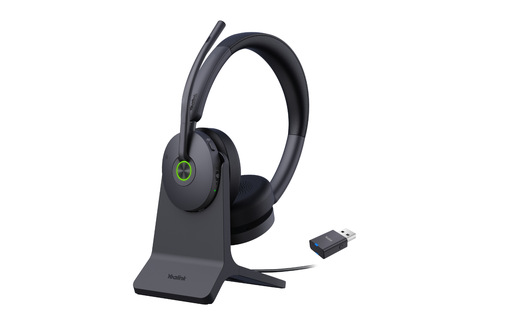


Yealink 1308146 charging stand
Availability to be confirmed
27.90 €
incl. VAT
27
Dakota Points
Create an account to earn these points and get €5 off from 500 points.
Create account
Sign in
