
Description
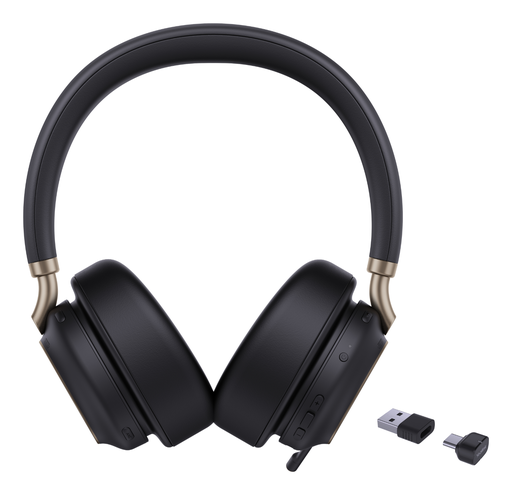
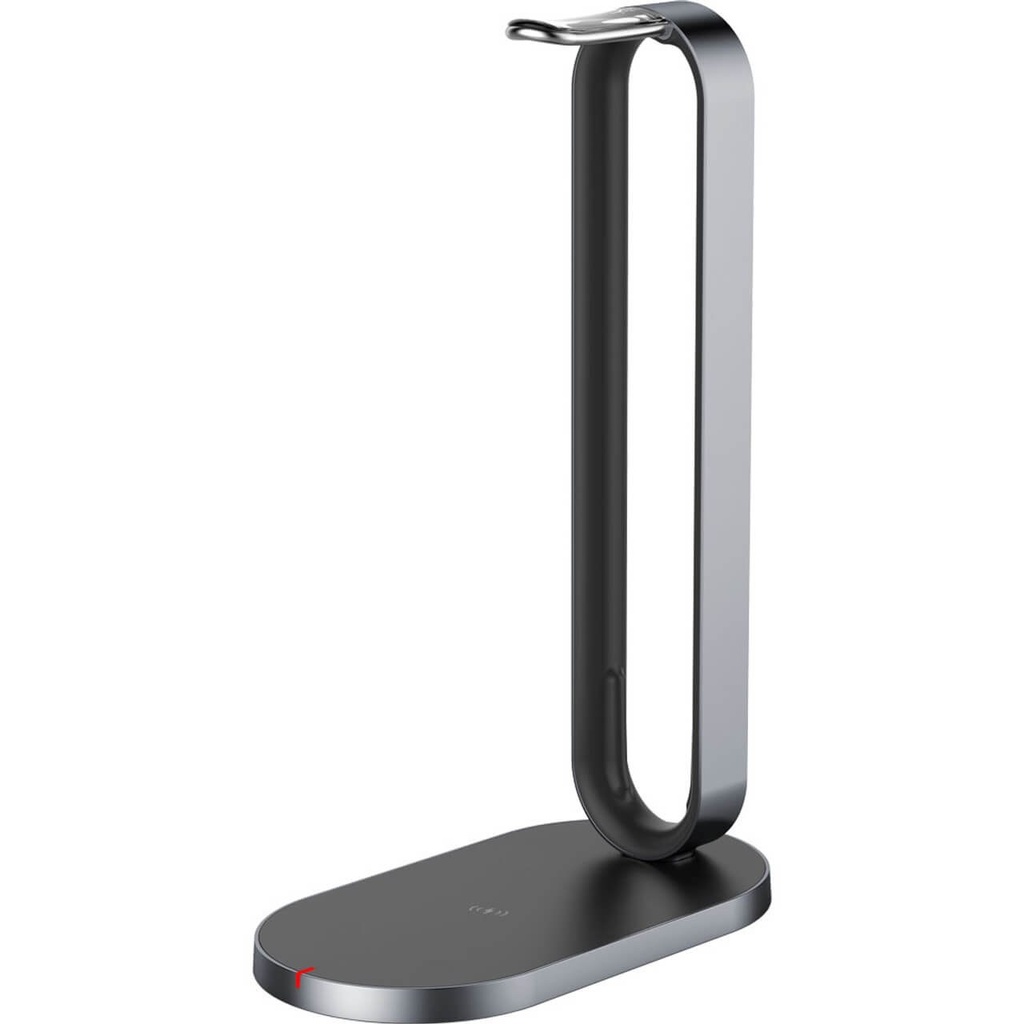
This charging stand is the accessory for the Yealink BH76 Bluetooth headset, in the BH76 as well as the BH76 Plus v2 version, Teams and UC certified. The headset sits on it between calls and recharges without plugging in a cable every time; it stays within reach, charged and tidy. This reference contains the stand only: it replaces a lost or damaged stand, or completes a BH76 headset bought without a stand (reference 1208707) to match the headset + stand bundle (reference 1208699). It also serves as a second charging point, for instance at the office and at home.
Specifications
| Reference | 1308057 |
|---|---|
| Brand | Yealink |
| Manufacturer order code | 1308057 |
| Type | charging stand |
| EAN code | 6938818309166 |
| Compatibility | BH76, BH76 Plus v2 |
| Headset | Bluetooth, Teams and UC, USB A and USB C |
| Use | Headset charging and storage |
| Contents | Charging stand only |
| Not included | Headset |
| Packed weight | 0.25 kg |
Use and tips
This stand is for users of a Yealink BH76 headset in an open space, on a reception desk or working from home, who want an always charged headset without handling a cable. One stand per workstation is enough; a second stand lets you charge at the office as well as at home without carrying the first one. It also replaces a missing stand on a headset bought on its own. Before ordering, check that your headset is a BH76 or BH76 Plus v2: other Yealink headsets use different charging stands.
Frequently asked questions
Is this stand compatible with my headset?
It is meant for the Yealink BH76 and BH76 Plus v2 Bluetooth headset (Teams and UC). For another headset, tell us through our contact page and we point you to the right stand.
Is the headset included?
No, this reference is the charging stand only. The BH76 Plus v2 headset is sold separately, on its own (reference 1208707) or already bundled with its stand (reference 1208699).
What is the warranty?
Two-year statutory conformity warranty, plus the Yealink manufacturer warranty under its own terms.
Where are the firmware, manuals and guides?
Yealink provides the firmware, user manual and administrator guide of this module free of charge: our Yealink support page takes you straight to the documents for this model.
Product compatibility
Compatible devices
This accessory is offered for the devices below.


Yealink 1308057 charging stand
Availability to be confirmed
67.90 €
incl. VAT
67
Dakota Points
Create an account to earn these points and get €5 off from 500 points.
Create account
Sign in
